Blog When a Cabinet Shop Outgrows the Spreadsheet
When a Cabinet Shop Outgrows the Spreadsheet
By Brian Haughey • Updated 2026-10-19
A spreadsheet is fine for a one-person shop with a handful of jobs. It stops working when more than one person needs the same information, or when you can no longer see what's next on every job without asking someone. For most shops that happens somewhere between 10 and 15 active jobs, or the day an office person or a second builder joins.
What does a spreadsheet do well?
- It's free and you already know it.
- It's flexible. You can add a column for anything.
- It works for a simple job list with a name, a price, and a due date.
If that covers your shop, keep it. Nothing here says you have to switch. (For how a spreadsheet stacks up against the other options, see the best software for small cabinet shops.)
What are the signs you've outgrown it?
Check how many of these are true:
- You keep a second copy of something (a whiteboard, a text thread, a notebook) because the sheet isn't current.
- You or the office answer "where's the Smith job?" by walking out to the shop or making a call.
- Two people edit the sheet and one overwrites the other, or each keeps their own version.
- Nobody can say which jobs have a deposit in and materials ordered without checking three places.
- Install dates live in your head.
- The shop floor never updates the sheet, so the office is always guessing.
- Quotes, invoices, and time are tracked in separate files with the job name typed by hand each time.
Two or three of these is normal. Five or more means the sheet is costing you time every week.
Why does the sheet drift from the real job?
A spreadsheet only holds what someone types into it. Nothing prompts the update, and the person who knows the status (the builder) is rarely the person with the sheet open (the office). The gap between the sheet and the bench grows until nobody trusts it, and then it's one more thing to maintain. That's why the person doing the work should be the one who updates the job, and why keeping cabinet jobs organized comes down to one place everyone reads from.
Spreadsheet vs. Cabinetshop Maestro: what's different?
| Need | Spreadsheet | Cabinetshop Maestro |
|---|---|---|
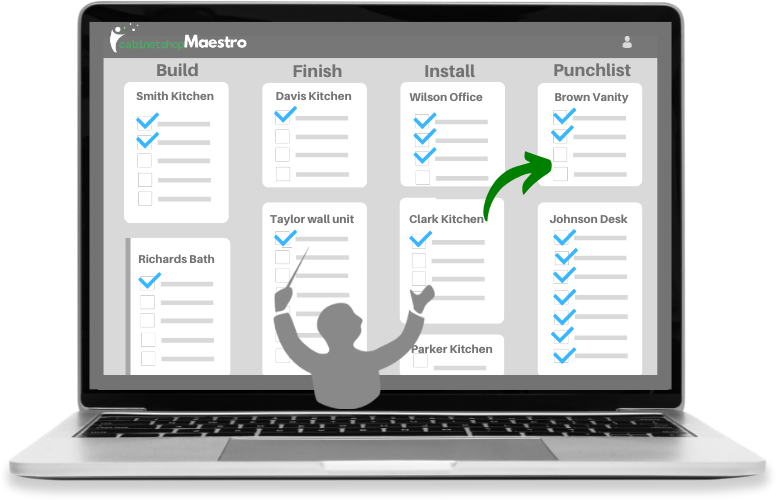
| See every job and its stage | Rows you sort and color by hand | Workflow boards, one column per stage |
| What's next on a job | A column someone has to keep updated | Tasks per stage; finishing the last task can move the job on |
| Shop floor updates | Someone has to open the file | Kiosk Mode, or a phone |
| Quotes and invoices | Separate files | Built from the estimate, on the job |
| Time against a job | Separate timesheet | Task timers and clock in/out, tied to the job |
| Job notes, files, photos | Folders elsewhere | In the job folder |
| Who changed what | Unknown | Activity feed |
Cabinetshop Maestro doesn't connect to QuickBooks today. Data moves by CSV, so if your books live in QuickBooks, you'd still enter or import totals there. (More on that split in cabinet shop software between CAD and QuickBooks.)
How do you move off a spreadsheet without a mess?
- Start with active jobs only. Don't import your history.
- Pick the stages your jobs actually go through, from lead to final payment.
- Move customers and vendors in by CSV if you have long lists.
- Run new jobs in the new system and finish old ones in the sheet until they close.
- Get the shop floor on it early. If only the office uses it, you've rebuilt the same problem.
What should the system track about deposits?
At minimum, whether the deposit is in before materials are ordered. A deposit should cover materials before anything is cut, and a sheet column for "deposit received" only helps if someone looks at it before ordering.
Where does Cabinetshop Maestro fit?
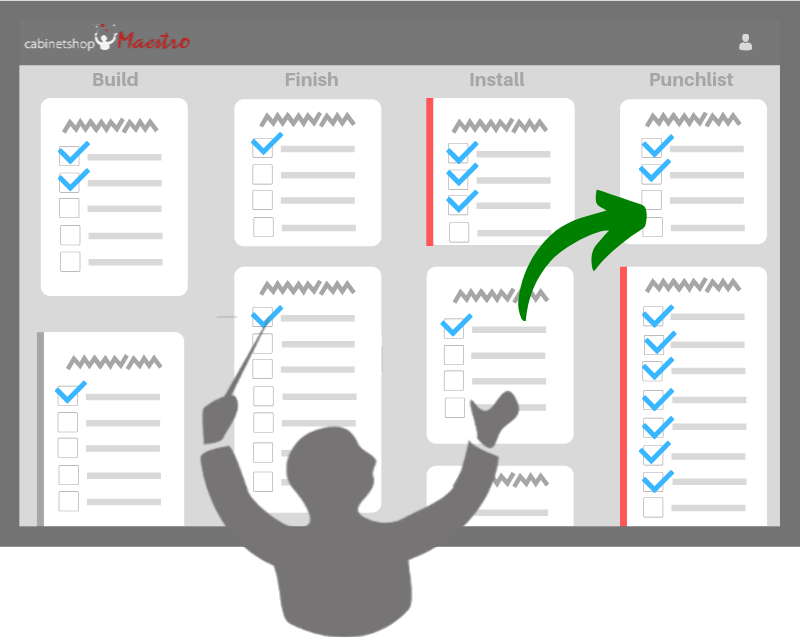
Cabinetshop Maestro is job management software for custom cabinet shops. It tracks jobs from lead to install with workflow boards, scheduling, tasks, and client communication. If several of the signs above sound like your shop, it's built for that gap, and the trial is free for 14 days.
Frequently Asked Questions
How many jobs is too many for a spreadsheet?
There's no fixed number, but trouble usually starts around 10 to 15 active jobs, or when a second person has to keep it current.
Can I keep using a spreadsheet for estimating?
Yes. Many shops do. The cost is retyping the numbers into quotes and invoices.
Will my crew actually use new software?
Only if it's easy on the shop floor. Look for a phone or kiosk option and get the crew using it in the first week.
Do I have to import all my old jobs?
No. Start with active jobs and let finished ones stay in the sheet.
Can I get my data back out of Cabinetshop Maestro?
Yes. Most lists export to CSV, and the Download My Lists page offers backups of jobs, clients, invoices, payments, vendors, and materials.
Does it replace QuickBooks?
No. It sits between your CAD and QuickBooks. It has no direct QuickBooks integration, so data moves by CSV.
What does it cost?
$199 a month for the Professional plan (up to 20 users), or $399 a month for Enterprise (up to 40 users), with a 14-day free trial.
Try Cabinetshop Maestro® Today!
Nothing to download, nothing to install, and no contracts.